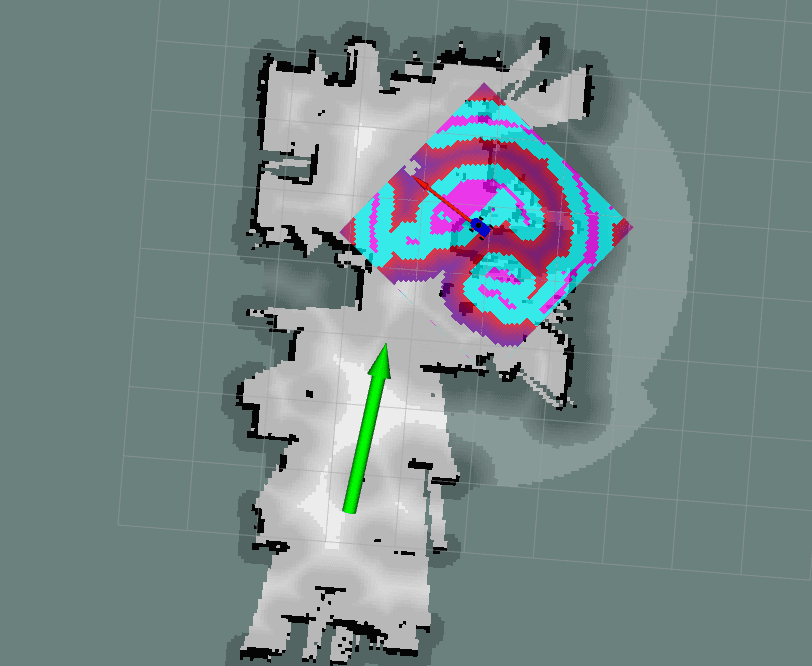
ROS 2 Jetson-Arduino Autonomous Robot
Overview
- Hardware: Jetson Board, Arduino, YDLidar (X4), Robot Chassis with Motors.
- Software: ROS 2, Cartographer, Gmapping, Nav2.
The workspace primarily consists of:
serial_bridge: Handles bidirectional communication between the Jetson and Arduino for motor control.allbot/allbot_urdf/allbot_param: Core robot packages containing launch files, URDF models, and navigation parameters.ydlidar_ros2_driver: ROS 2 driver for the YDLidar sensor.slam_gmapping: Package for Gmapping SLAM.
1. Jetson-Arduino Connection & Motor Control
The serial_bridge package is responsible for sending velocity commands to the Arduino and receiving data back.
- Node:
serial_bridge - Script:
serial_bridge/serial_bridge.py - Serial Configuration: The node connects to
/dev/ttyTHS1at115200baud rate by default. You can change these via parametersportandbaudrate. - Communication Protocol:
- The node listens to the
cmd_veltopic (typegeometry_msgs/Twist). - It parses the linear and angular velocities and sends a formatted string to the Arduino:
v <linear.x> <linear.y> <angular.z>\n. - It continuously reads from the serial port to get raw velocity updates or other info published by the Arduino and publishes it to
raw_vel.
- The node listens to the
Running the Serial Bridge
To start the communication node:
ros2 run serial_bridge serial_bridge2. SLAM (Simultaneous Localization and Mapping)
The robot supports multiple SLAM algorithms. The launch files for SLAM integrate the lidar driver, URDF publisher, and the respective SLAM node.
Cartographer
The cartographer implementation uses Google Cartographer to generate highly accurate 2D grid maps. Configuration files are situated in allbot/launch/include/allbot_lidar_standalone.lua.
ros2 launch allbot lidar_slam_carto.launch.py use_sim_time:=false resolution:=0.05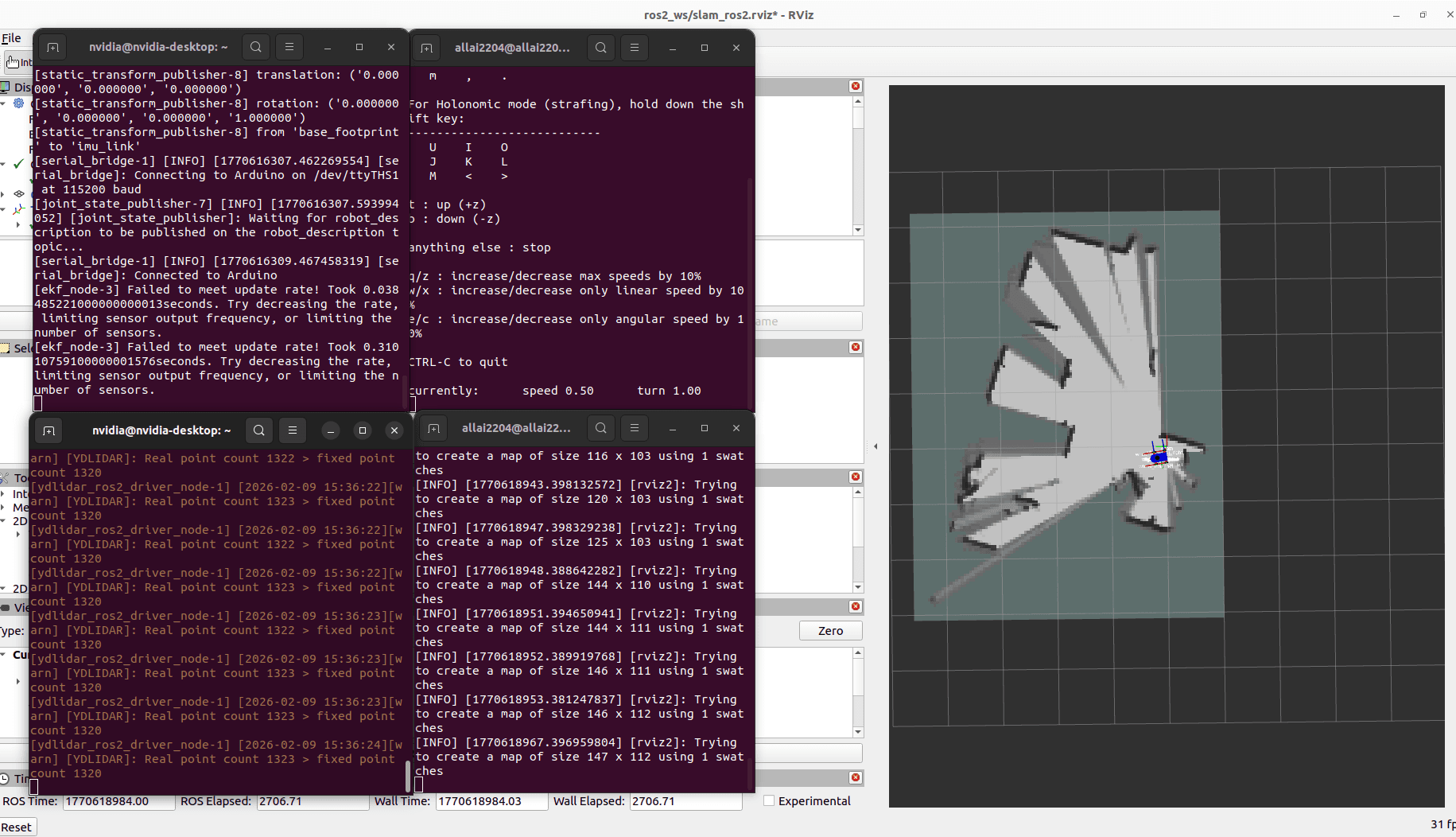
Gmapping
For traditional filter-based SLAM, Gmapping is available.
ros2 launch allbot lidar_slam_gmapping.launch.py use_sim_time:=false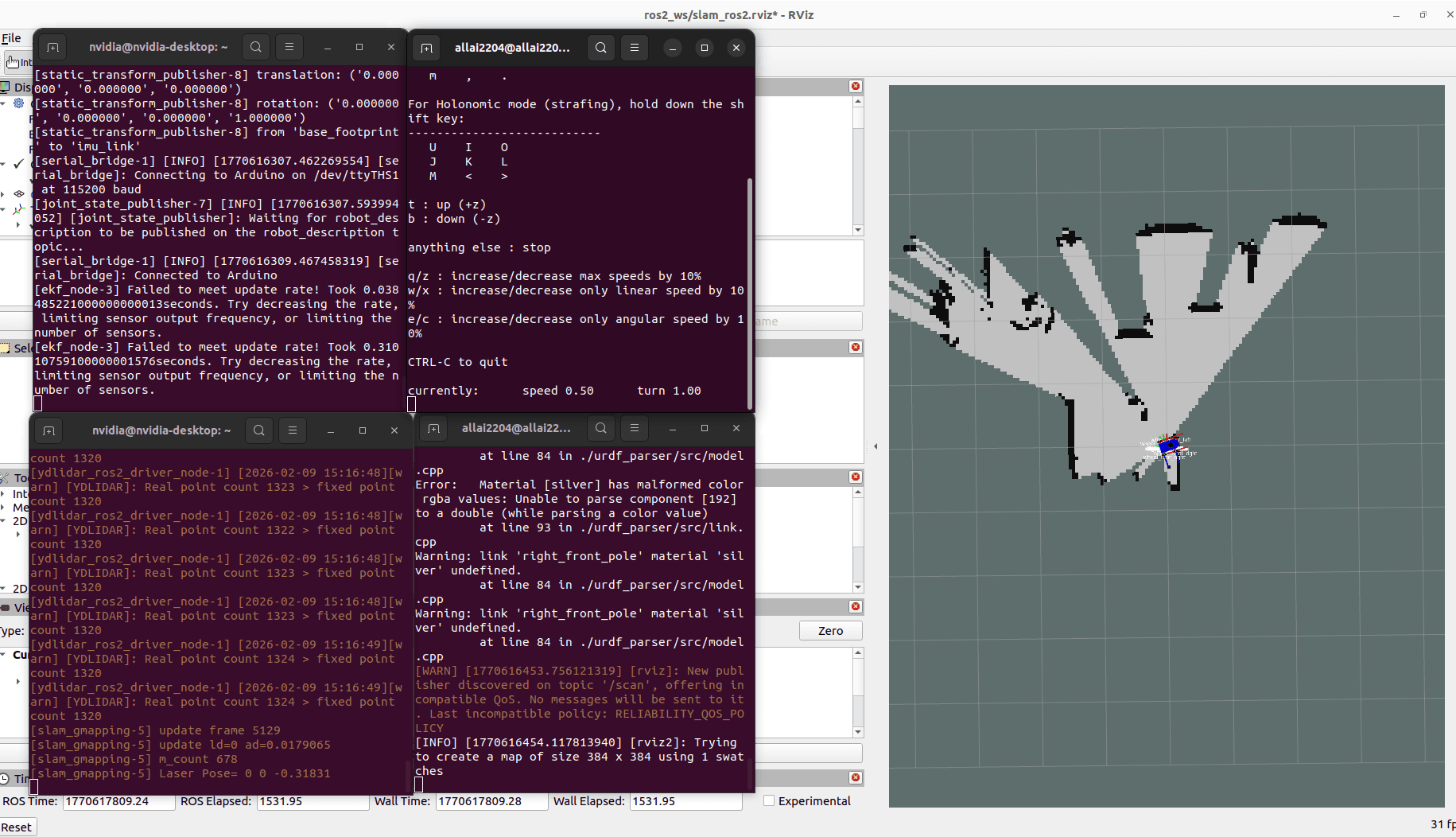
3. Autonomous Navigation
Navigation is handled via the ROS 2 Navigation Stack (Nav2). The main launch file navigate.launch.py located in the allbot package can be booted in two different modes: Simultaneous SLAM & Navigation or AMCL Localization on a Saved Map.
Mode A: Navigation with Saved Map (AMCL)
If you have already generated a map (e.g., my_map.yaml in allbot/maps/), you can launch standard AMCL-based localization.
ros2 launch allbot navigate.launch.py slam:=False map:=<path_to_map.yaml> autostart:=true- The default map is
allbot/maps/my_map.yaml. - The default parameter file for Nav2 is
allbot_param/navigation/nav2_params.yaml.
Mode B: Navigation with Simultaneous Mapping (SLAM)
This mode integrates SLAM with the navigation capabilities.
ros2 launch allbot navigate.launch.py slam:=True autostart:=trueNotes on Navigation Setup
- The URDF the robot state publisher (
urdf.launch.py) will launch automatically unless you setlaunch_urdf:=false. - The YDLidar node will launch automatically unless you set
launch_lidar:=false.